Aperture
A block theme for photographers and photo studios.
About this theme
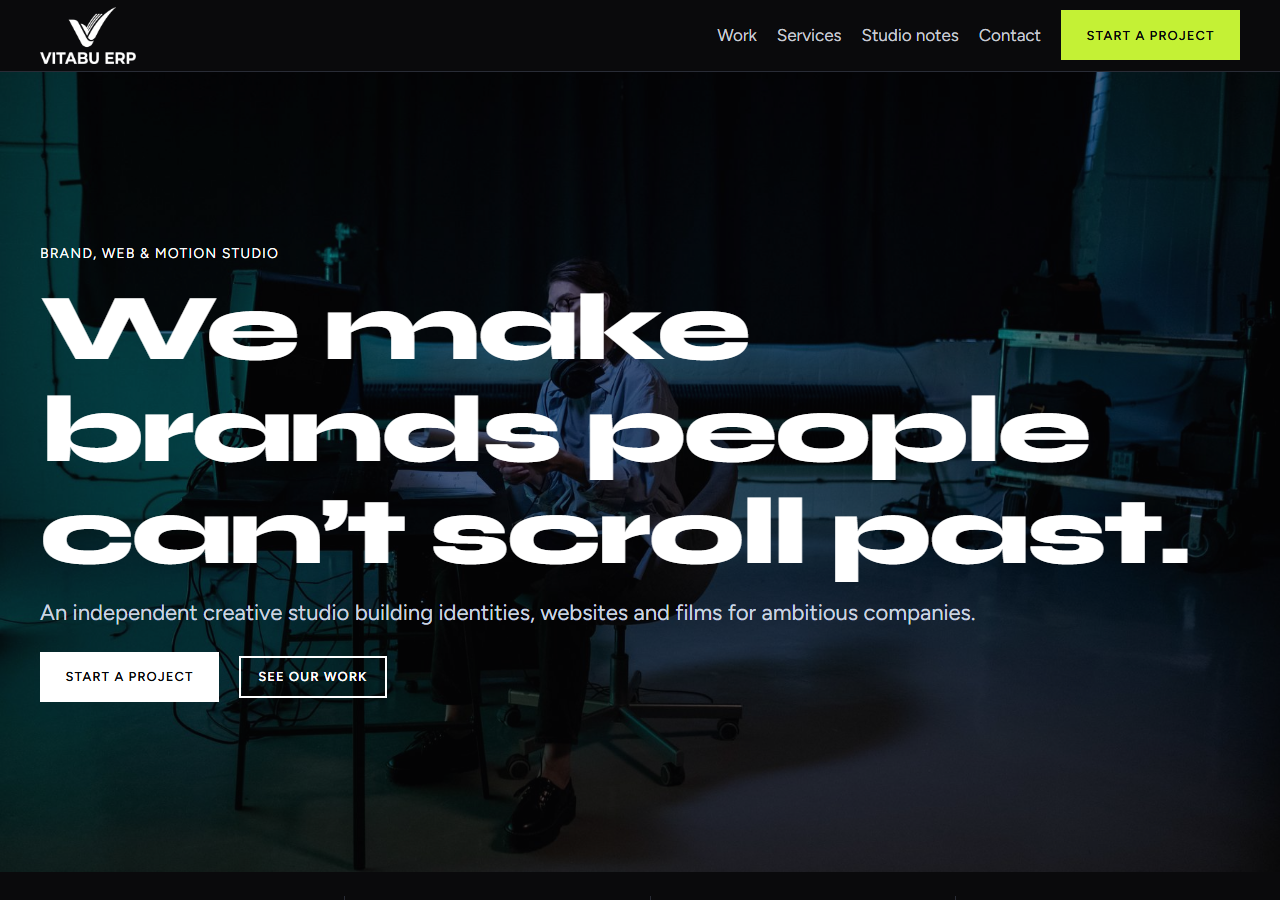
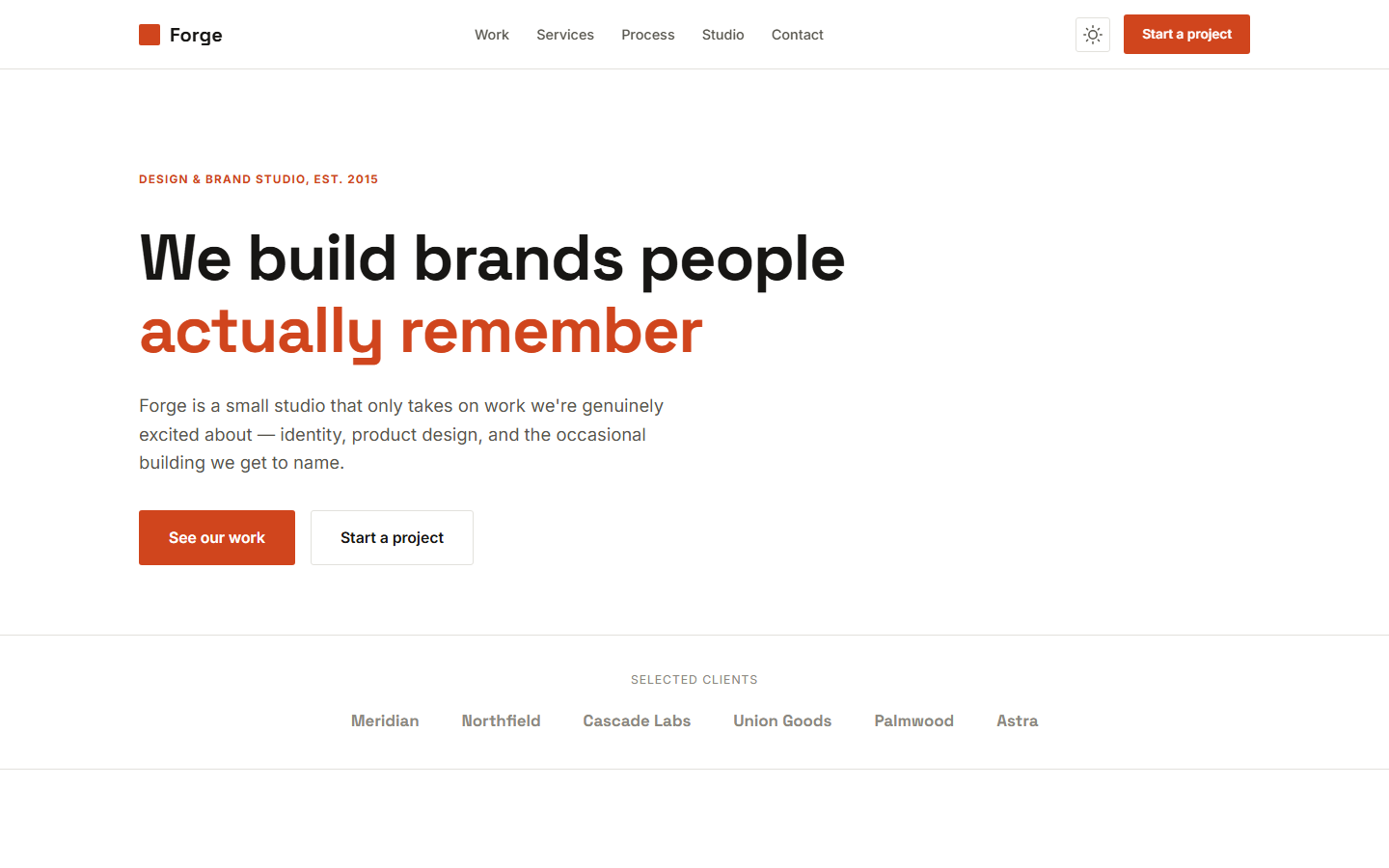
The darkroom gallery: a black wall with one safelight-amber accent, Instrument Serif headings and museum-style plate labels. A masonry portfolio with category filter and a keyboard-friendly lightbox, a package builder that estimates a session in KES/TZS/USD (deposit, balance, delivery day, printed assumptions), a session-date request grid that respects each session type's notice period and claims no availability, an "Ask the studio" chat, WhatsApp and a secure server-side request form. Native core blocks, no page builder, no third-party requests, no inline scripts. Nuru Studio is a fictional demo studio. All prices and terms are sample content. The photographs are illustrative stock and not the studio's work. This is a WordPress block theme (full-site editing). The demo is a fictional business with sample content and stock photography; replace the contact details and text with your own.
Platform compatibility
| Edition | Responsive | RTL | Translation-ready | Dark mode | Version |
|---|---|---|---|---|---|
| WordPress (WordPress Block Theme (FSE)) | ✓ | — | ✓ | ✓ | 1.0.1 |
Documentation
Installation & Setup
## Installing Aperture 1. Appearance > Themes > Add New > Upload Theme, choose the zip, Activate. 2. Create pages (Portfolio, Packages, About, Contact, Privacy, Terms) and a Journal posts page; insert the "Aperture: Page …" patterns. 3. Settings > Reading: a static front page; insert the Home patterns in order. 4. Appearance > Aperture settings: business details, WhatsApp, chat text, currency rates, enquiry recipient. 5. Replace the photographs in assets/images (800 px wide for the wall, 1600 px for the lightbox) and edit session rates, extras and notice periods through the `aperture_runtime_config` filter. 6. Appearance > Editor > Navigation: build your menu. ## Demo content The live demo uses sample content for a fictional business. The pages, patterns and settings described above are all editable in the WordPress site editor. ## Support Email support@vitabuerp.com.
Reviews
No reviews yet — be the first to share your experience.