LegalPro
A dark, distinguished WordPress block theme for law firms and legal practices.
About this theme
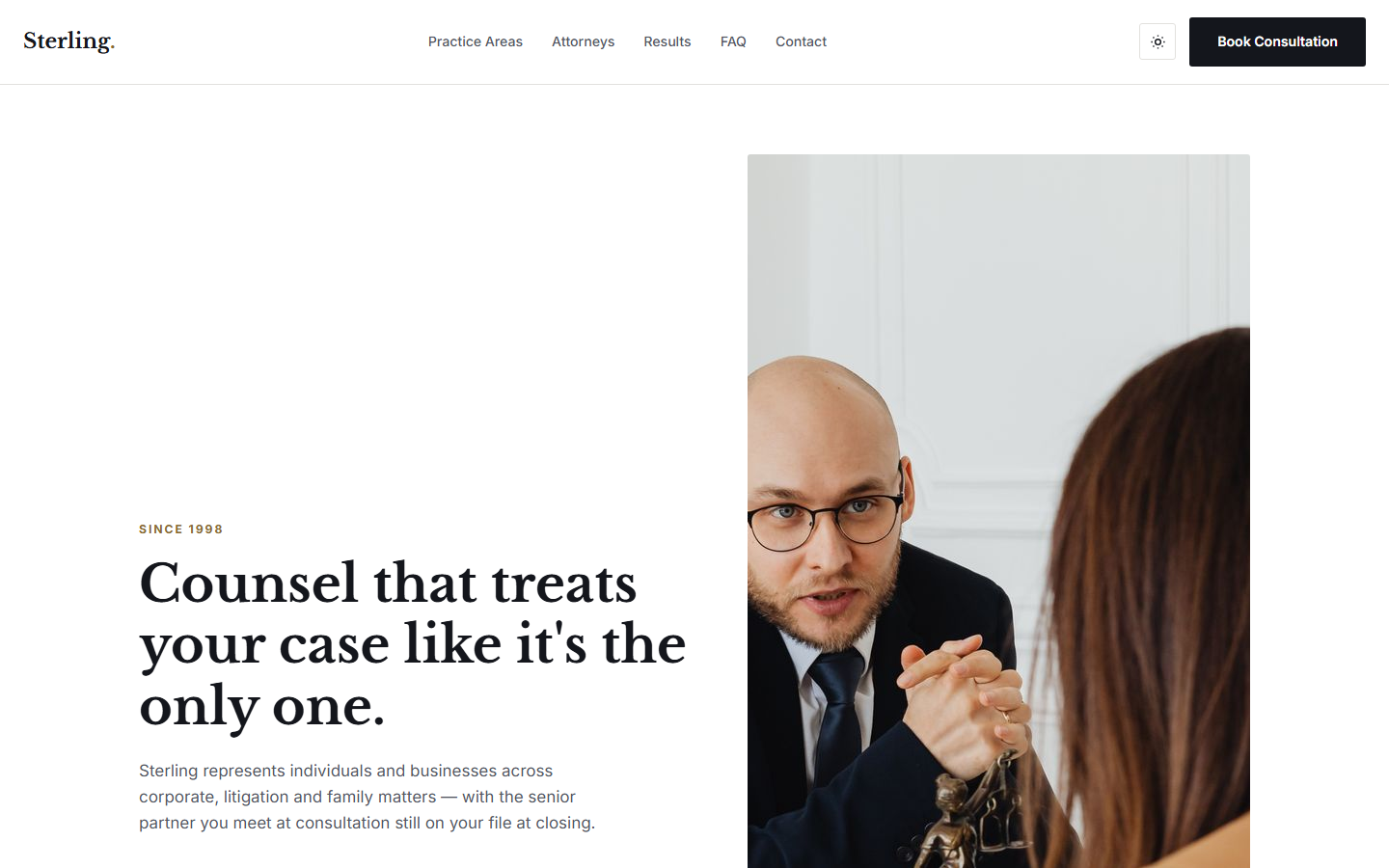
LegalPro is a full-site-editing WordPress theme for law firms and legal practices, built entirely on core Gutenberg blocks — no build step, no page-builder dependency and no bundled JavaScript framework. It uses a dark, wood-panelled palette with a brass-gold accent and engraved Cinzel headings: a full-bleed library hero, a track-record strip, practice-area rows, a client-consultation section, attorney profiles, an editorial engagement-steps list, a large client quote, an FAQ and a confidential-consultation call-to-action. This is a marketing site — it does not include case management, client portals or secure document exchange, and the sample text is not legal advice. Cinzel and Crimson Pro are bundled locally.
Platform compatibility
| Edition | Responsive | RTL | Translation-ready | Dark mode | Version |
|---|---|---|---|---|---|
| WordPress (WordPress Block Theme (FSE)) | ✓ | — | ✓ | ✓ | 1.1.0 |
Documentation
Installation & Setup
1. In wp-admin, go to Appearance > Themes > Add New > Upload Theme and select the downloaded zip. 2. Activate LegalPro. 3. Replace the sample practice areas, attorneys and FAQ with your own in the block editor (Appearance > Editor > Patterns), and add the disclaimers your bar or regulator requires. 4. Create Practice areas and About pages and insert the matching patterns (Insert (+) > search "LegalPro"). 5. Note: this is a marketing site — it has no case management, client portal or secure document exchange, and the sample text is not legal advice. 6. Fonts (Cinzel, Crimson Pro) are bundled with the theme — no external font requests.
Reviews
No reviews yet — be the first to share your experience.
Related themes