Savory
A clean, structured HTML5 template for restaurants, cafes and hospitality brands.
About this theme
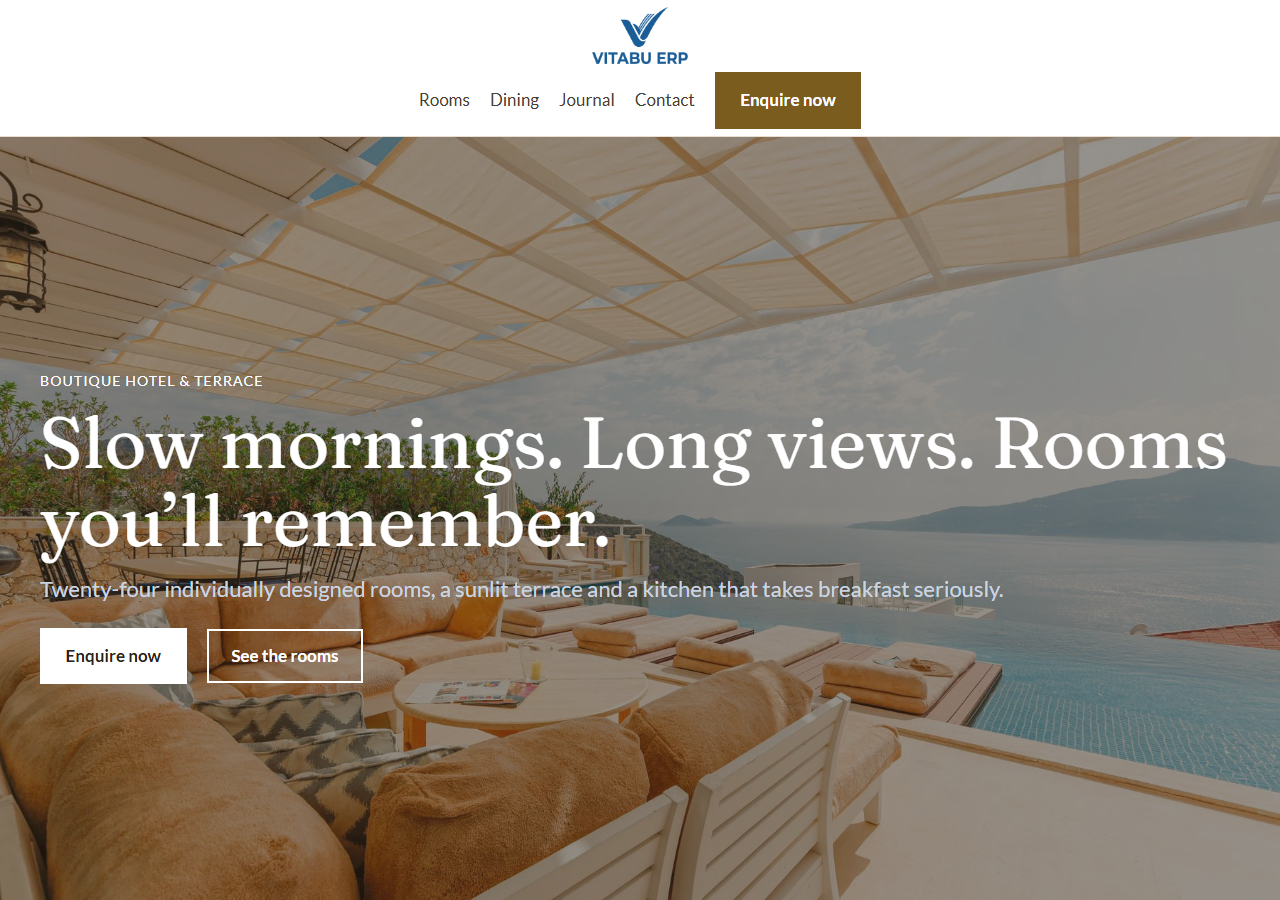
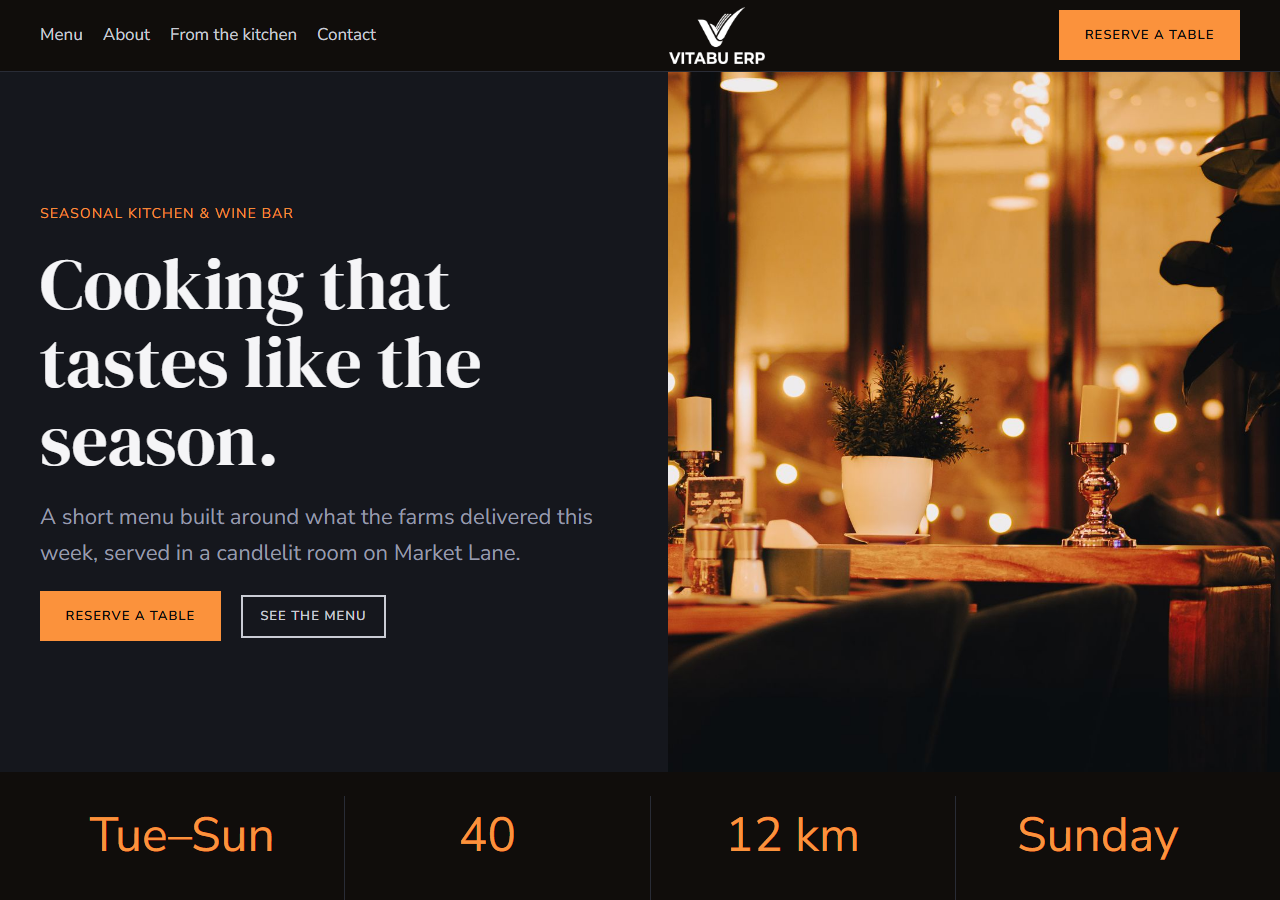
Savory is a full website template built for restaurants, cafes and hospitality brands. It includes a hero with a featured-dish panel, an info band, a tabbed menu (starters/mains/desserts/drinks, switch with real JavaScript), an about/story section with a pull-quote panel, a photo gallery, testimonials, a reservation request form, and an hours-and-location section. Built with plain HTML, CSS and vanilla JavaScript — no build step, no framework dependency. Fully responsive, with a built-in dark mode toggle (persisted per visitor) and smooth scroll-reveal animations. Hero and gallery imagery is real food and interior photography with a text-legibility scrim, so it reads as a real restaurant from the first screenshot. Deliberately restrained visual language — one brand color, no gradients, no decorative icon sets.
Platform compatibility
| Edition | Responsive | RTL | Translation-ready | Dark mode | Version |
|---|---|---|---|---|---|
| HTML5 | ✓ | — | — | ✓ | 1.1.0 |
Documentation
Getting started
1. Unzip the downloaded package. 2. Open index.html directly in a browser to preview it, or upload the whole folder to your web host. 3. All styling lives in assets/css/styles.css — the brand color, borders and spacing are controlled by the CSS custom properties (variables) at the top of the file. Change --c-primary to restyle the whole site to your brand. 4. All interactivity (mobile menu, dark mode toggle, the tabbed menu, scroll animations) lives in assets/js/main.js — no build step or dependencies required. 5. Replace the placeholder menu items, prices and story copy in index.html with your own. 6. The reservation form is UI-only by default — wire the form action up to your own backend or a booking service (e.g. OpenTable) to receive requests.
Editing the menu tabs
The Menu section's four tabs (Starters, Mains, Desserts, Drinks) are plain markup, not a component: each button in .tab-buttons has a data-tab attribute matching a .tab-panel's data-panel attribute in .tab-panels, and main.js just toggles an is-active class on click. Add, remove or rename a category by editing both the button and its matching panel — no JavaScript changes required. Each dish is a .menu-row with a name, a description paragraph, and a price — copy an existing row to add a new dish.
Reviews
No reviews yet — be the first to share your experience.