Elevate
A clean, structured HTML5 template for online stores, boutiques and retail brands.
About this theme
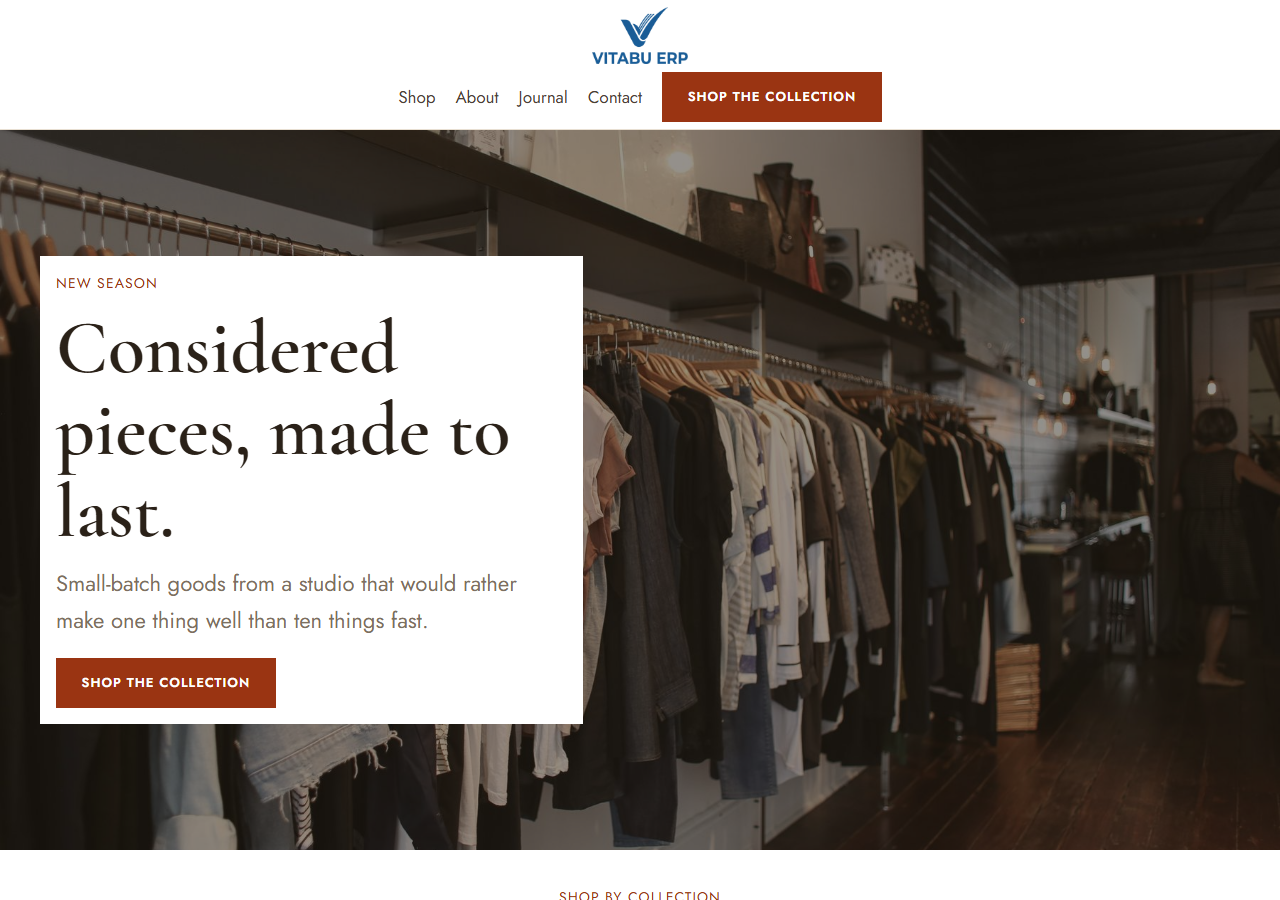
Elevate is a full storefront template built for furniture, homeware and lifestyle retail brands. It includes a hero with a featured-product panel, a value-proposition band, a shop-by-category grid, a best-sellers product grid with ratings and sale pricing, a promotional collection banner, an about/story section with a pull-quote panel, testimonials, and an FAQ accordion. Built with plain HTML, CSS and vanilla JavaScript — no build step, no framework dependency. Fully responsive, with a built-in dark mode toggle (persisted per visitor) and smooth scroll-reveal animations. Product and category imagery is real photography with a text-legibility scrim, so it reads as a real retail brand from the first screenshot, not a generic template. Deliberately restrained visual language — one brand color, no gradients, no decorative icon sets.
Platform compatibility
| Edition | Responsive | RTL | Translation-ready | Dark mode | Version |
|---|---|---|---|---|---|
| HTML5 | ✓ | — | — | ✓ | 1.1.0 |
Documentation
Getting started
1. Unzip the downloaded package. 2. Open index.html directly in a browser to preview it, or upload the whole folder to your web host. 3. All styling lives in assets/css/styles.css — the brand color, borders and spacing are controlled by the CSS custom properties (variables) at the top of the file. Change --c-primary to restyle the whole site to your brand. 4. All interactivity (mobile menu, dark mode toggle, scroll animations) lives in assets/js/main.js — no build step or dependencies required. 5. Replace the placeholder product names, categories and prices in index.html with your own catalog. 6. Product and category images are real photography by default (see the next section) — swap the files in assets/img/ for your own once you have it.
Swapping the photography for your own catalog
Product and category images are real photography (in `assets/img/`), each rendered as an `<img class="media-fill">` absolutely positioned inside its card — a dark gradient scrim (`.hero-panel-block::after` / `.category-card::after` in `styles.css`) sits between the photo and the overlaid text so names and prices stay legible over any image, in both light and dark mode. To swap in your own catalog photography: replace the files in `assets/img/` (keeping the same filenames, or updating the `src` attributes in `index.html`) with your own product and category shots. The card layout, badge placement and text scrim all work unchanged regardless of what photo fills the frame — nothing else needs to change.
Reviews
No reviews yet — be the first to share your experience.
Related themes